Sign-up Process - Individual Account
To sign up on Feltiv as an individual user account, simply visit our website https://beta.feltiv.com/ and click on Sign up now to activate your account.
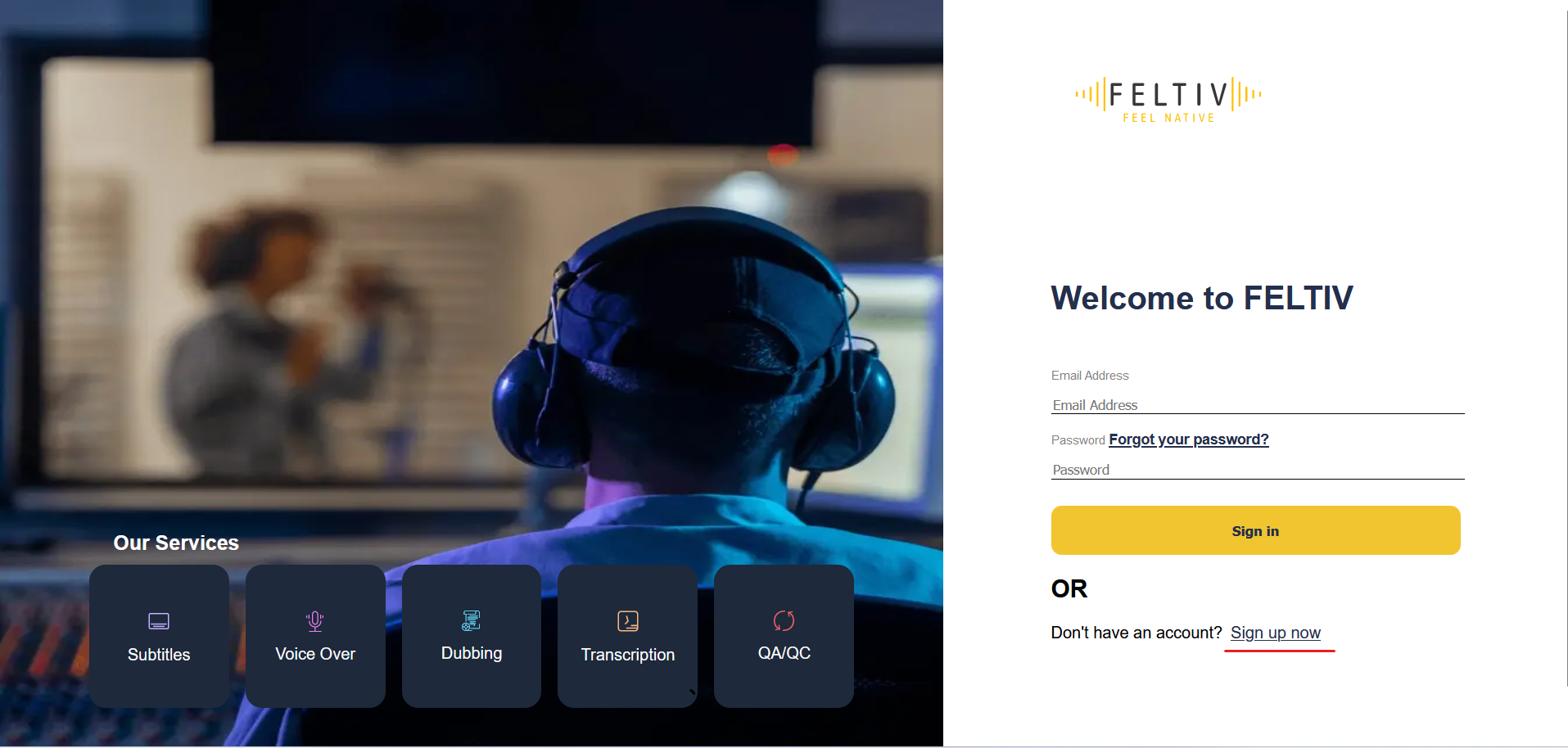
[[TO VERIFY - the beta.feltiv.com address may be out of date. Confirm the production sign-in URL and update the link. Delete this line afterwards.]]
Enter your email id and click on ‘Send Verification Code’. You will receive a verification code on your email id.
Enter this code in the sign-up page and click on ‘Verify Code’.
Once code is verified,
enter your desired password and required information and click on ‘Create’.
Once successfully created, you can start using FELTIV platform.
[[TO VERIFY - "required information" is vague. List the actual fields shown on the sign-up form. Delete this line afterwards.]]
Note: If you want to join the Feltiv Marketplace as a vendor, read "How to enrol as a vendor on the Feltiv Marketplace". To see what happens after sign-up, read "Onboarding Journey in Feltiv".